What is Business Call Identification on iPhone? It is an iPhone setting that lets your phone show verified business information, such as a company's name, logo, and department, when that business calls you. The information comes from Apple Business Connect or your carrier. You can find it, and turn it off, under Settings > Apps > Phone > Call Blocking & Identification. For businesses, it is part of branded caller ID: a way to prove your calls are really from you so customers answer instead of assuming spam.
How Branded Caller ID Stops Spam Calls and Caller ID Spoofing
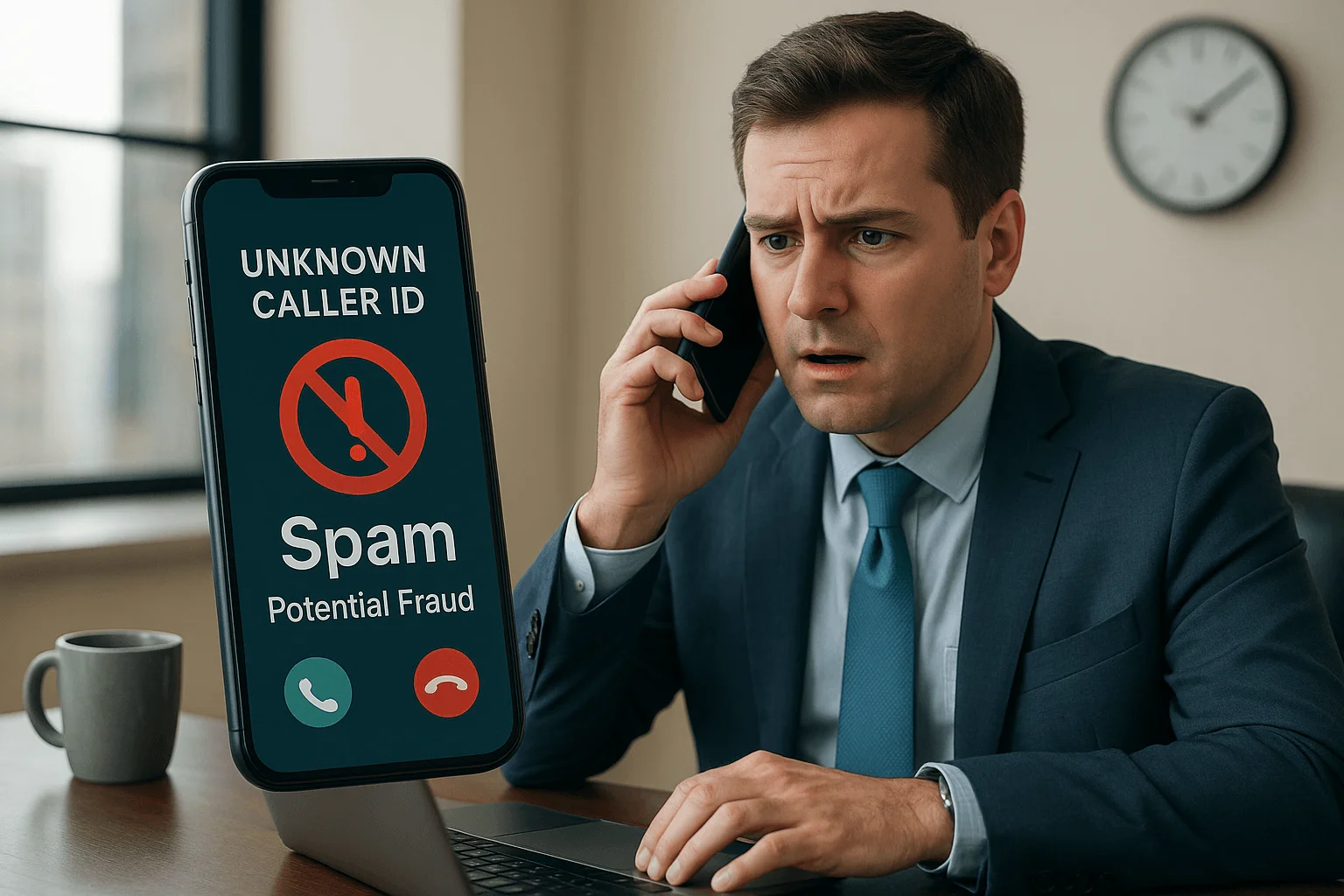
Your phone buzzes. Unknown number. That familiar anxiety hits: Important call or another scammer?
Sophisticated scammers have mastered caller ID spoofing, completely destroying our trust in phone calls. Here's proof: 74% of people now ignore calls from unknown numbers (AARP, 2019).
We're stuck in a communication crisis. Consumers face constant fraud risks while legitimate businesses struggle to reach customers. Healthcare providers can't deliver test results. Delivery services can't confirm addresses. Even companies with professional VoIP phone systems find their calls getting ignored.
Robocall blocking helps, but we need something better. That's where Branded Caller ID comes in.
The Problem: How Scammers Fake Your Caller ID
Scammers have weaponized our phones using one devastatingly simple trick.
Phone Number Spoofing Made Easy
Using internet phone technology (called VoIP), scammers input any name or number they want. Your caller ID shows whatever they choose.
They love "neighbor spoofing," making calls look local. They'll impersonate your bank, the IRS, or Amazon. They even fake business names through something called CNAM spoofing.
Ever see "Spam Likely" on your phone? That's your carrier's system detecting suspicious patterns. The problem is that the call already went through. You're just getting a warning after the fact.

The Solution: What Is Branded Caller ID?
Branded Caller ID flips the script. Instead of blocking bad calls, it verifies and highlights good ones.
Think of it as a verified checkmark for phone calls.
When legitimate businesses call you, Branded Caller ID shows:
- The company's real name
- Their official logo
- Why they're calling ("Delivery update" or "Appointment reminder")
- A verification checkmark proving authenticity
How It Stops Scammers
What makes it work is that businesses must pass strict identity verification to use Branded Caller ID. Scammers can't fake this system like they do regular caller ID.
Business Call Identification on iPhone
On iPhone, branded caller ID shows up through a setting called Business Call Identification. When it is on, your iPhone can display a verified business's name, logo, and department on the incoming call screen, using information from Apple Business Connect or your carrier. According to Apple's iPhone guide, the setting lives under Settings > Apps > Phone > Call Blocking & Identification, alongside any caller ID apps you have installed.
How to turn off branded calls on iPhone
If you would rather not see business branding on calls, go to Settings > Apps > Phone > Call Blocking & Identification and switch off Business Call Identification. Calls still ring through as normal. You just see less information about business callers. To cut down on unwanted calls instead, use Silence Unknown Callers or the call screening options on the same Phone settings page.
How a business gets its name and logo on iPhone calls
Apple announced Business Caller ID for Apple Business Connect in late 2024. It lets verified businesses in the United States show their name and logo when they call iPhone users. Based on Apple's Business Caller ID documentation, a business needs to:
- Set up and verify the business in Apple Business Connect.
- Publish its brand name and logo there.
- Prove it owns the phone numbers it calls from.
- Link each number to a single brand. Shared or rotating outbound numbers limit what can be displayed.
The phone system matters too. Numbers need to be owned by your business and properly signed by your carrier, which is where STIR/SHAKEN comes in. Android phones handle branding differently, through carrier programs and Google's caller ID features, so a complete setup usually covers both.
Protect Yourself Right Now
While Branded Caller ID rolls out, here's immediate protection:
iPhone Users: Settings → Phone → Silence Unknown Callers (sends unknown numbers to voicemail)
Android Users: Phone app → Settings → Caller ID & spam → Filter spam calls
Call-protection apps to review in 2026:
These apps use community reporting to catch scammers faster.

Why Branded Caller ID Changes Everything
For You:
- Instant scam detection: Bank calls show their logo and "Fraud Alert" obviously different from "Spam Risk"
- Answer with confidence: No more anxiety about unknown numbers
- Miss fewer important calls: You'll know which calls matter
For Businesses:
- Higher answer rates: Customers pick up when they see trusted brands
- Rebuild trust: Professional appearance in an era of phone scams
- Critical messages get through: Medical updates and delivery alerts aren't missed
Smart businesses are already pairing Branded Caller ID with modern VoIP solutions to maximize their customer outreach effectiveness. Among our other services, we help companies implement these trusted communication strategies.
The Technology Behind It
Ironically, scammers use VoIP to spoof numbers, but VoIP also powers the solution.
When implemented correctly, VoIP phone systems provide the secure foundation businesses need for trusted communication. Branded Caller ID works with STIR/SHAKEN, a system that verifies phone numbers. Together, they create two layers of protection:
- STIR/SHAKEN confirms the number is real
- Branded Caller ID confirms the business is legitimate
Real-World Impact
Imagine your phone showing:
- Amazon's logo with "Package delivered"
- Your doctor's name with "Test results ready"
- Your bank's brand with "Fraud alert"
No more guessing. No more missed important calls.
Legal Protection: What You Should Know
The government is fighting back too.
Is caller ID spoofing illegal?
Yes, when used to defraud or harm people. The Truth in Caller ID Act makes this a federal crime (FCC, 2023). There are legal uses, like doctors displaying office numbers from personal phones, but scam spoofing is definitely illegal.
The FCC's robocall crackdown includes:
- Mandatory STIR/SHAKEN rollout
- Carrier-level call screening
- Heavy fines for violators
The Future Is Already Here
This isn't just theory anymore. Apple announced Business Caller ID for Apple Business Connect in 2024, and verified businesses can now display their logos and names on iPhone screens.
Major carriers are rolling out Branded Caller ID nationwide. The mobile industry has established clear standards through CTIA.
We're moving from playing defense against scammers to building a trusted phone network.

Bottom Line
Branded Caller ID represents the biggest change in phone communication since caller ID itself.
By combining number verification with business verification, we're finally getting ahead of scammers instead of just reacting to them.
If you want to set this up, Branded Caller ID works best alongside a secure VoIP phone system. As part of our services, we help businesses choose, configure, and roll out both.
If you're serious about stopping spam call spoofing and improving caller trust, we recommend a personalized consultation. Our team will walk you through the latest in STIR/SHAKEN compliance, VoIP integration, and branded caller ID deployment.
The next time your phone rings, you'll know exactly who's calling and why. That's the future Branded Caller ID is building, where we can trust our phones again.
Frequently asked questions
What is Business Call Identification on iPhone?
It is an iPhone setting that shows verified business information, such as a company's name, logo, and department, on incoming calls. The information comes from Apple Business Connect or your carrier.
How do I turn off branded calls on my iPhone?
Go to Settings, then Apps, then Phone, then Call Blocking and Identification, and switch off Business Call Identification. Calls still come through, with less information about business callers.
How do I get my business name to show on iPhone calls?
Register and verify your business in Apple Business Connect, publish your brand name and logo, and verify the phone numbers you call from. Business Caller ID is available for businesses in the United States, and each number must be linked to one brand.
Does branded caller ID work on Android?
Yes, but differently. Android branding comes through carrier branded calling programs and Google's caller ID features rather than Apple Business Connect, so businesses usually set up both.
Is branded caller ID the same as STIR/SHAKEN?
No. STIR/SHAKEN confirms that a call really comes from the number shown. Branded caller ID adds the verified business name and logo on top. They work together.
Can a business remove a "Spam Likely" label from its number?
Often, yes. Businesses can register their numbers with the major carrier analytics providers, make sure their calls are properly signed, and add branded caller ID so verified calls stand out. A VoIP provider or IT partner can help with each step.
Sources:
- AARP (2019). "AARP National Survey of Adults 18+ About Robocalls and Spoofing"
- Apple (2024). "Apple Business Connect"
- CTIA. "Branded Calling ID (BCID™)"
- Federal Communications Commission (FCC) (2023). "Caller ID Spoofing"
- Federal Communications Commission (FCC). "STIR/SHAKEN"