What we handle
- Camera system planning
- Network and storage coordination
- User access and permissions review
- Support for updates and daily use
Know what happened
Camera systems planned with your network, access, storage, and security needs in mind.
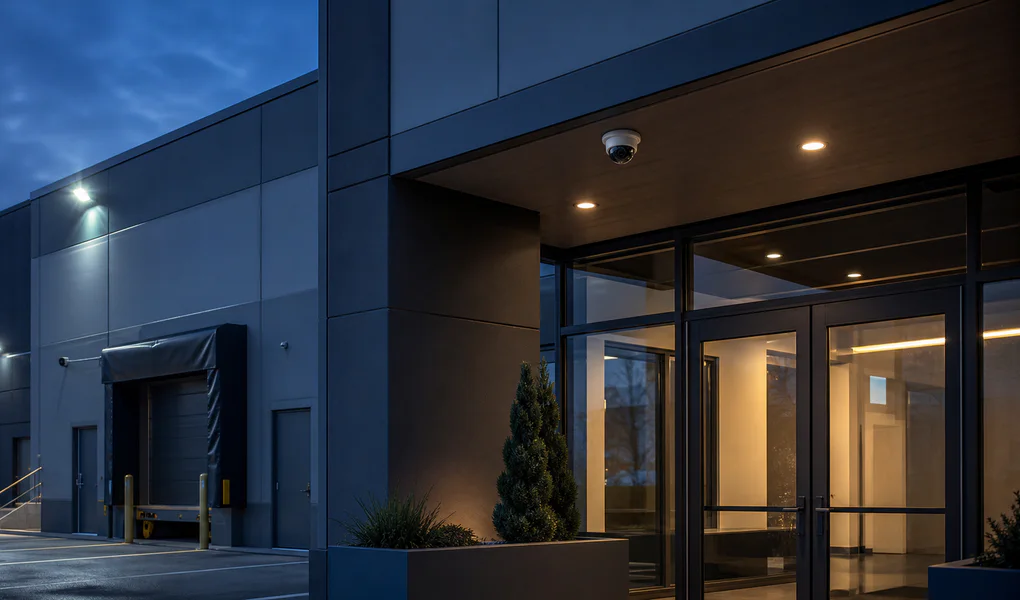
How we help
A camera system is only useful if it records what you need, stores it long enough, and lets the right people watch it. We plan and support systems that do all three.
What we handle
What you get
More detail
Hanging cameras is the easy part. The system also needs network capacity, storage, remote access, and sensible permissions. When nobody plans those, you find out the camera stopped recording three weeks ago on the day you need the footage.
We plan coverage with you, work with the installer, lock down who can see the footage, and keep the system running. Because the cameras sit on the same network as everything else, it helps that the same team looks after both.
We help define what the camera system should accomplish, which areas matter most, and how staff need to access footage.
Camera footage should be protected and useful. We help review recording needs, storage expectations, user access, and remote viewing.
We talk to the installer and the internet provider, so you don't end up passing messages between them.
Cameras deter theft and help you figure out what happened after an incident, but only if the rest of the system holds up. That means network capacity, storage, cabling, power, sensible permissions, and someone keeping it running.
We plan with you what needs to be on camera, who should be able to watch it, where recordings are stored, and how the cameras fit on your network without opening a security hole.
Visible cameras can deter unwanted activity, support incident review, and help owners understand what is happening at a location. The right setup depends on entrances, public areas, inventory, parking, staff workflows, lighting, and privacy expectations.
Being able to check the cameras from your phone is useful. It's also a way in for attackers if it isn't locked down. We decide with you who gets access to live feeds and recordings, protect remote viewing properly, and limit what the installer can reach after the job is done.
Cameras with default passwords and open remote access are one of the easier ways into a business network. We change the defaults, keep cameras separated from the rest of the network where possible, and set clear rules for how long footage is kept.
Since we also handle your cabling and network, the camera system gets looked after with everything else instead of being forgotten after install.
See how we standardized cameras and local technology across more than 100 multifamily properties.
Our approach
Review the site, goals, and current camera setup.
Plan coverage, storage, access, and network needs.
Coordinate setup and support under one technology plan.
FAQs
Camera systems may include indoor cameras, outdoor cameras, dome cameras, bullet cameras, PTZ cameras, and specialty cameras depending on the site and surveillance goals.
Many business locations benefit from night vision or low-light performance, especially entrances, exterior areas, storage spaces, parking areas, and any place that needs visibility after hours.
Yes, many systems support remote viewing through an app or browser. Remote access should be protected with strong authentication, limited permissions, and regular review.
It depends on how many cameras you have, the recording quality, whether they record all the time or only on motion, and how long you need to keep footage. We work out the numbers with you before anything is bought.
Many modern systems support motion detection, alerts, and rules for specific areas. These settings need tuning so alerts are useful and do not overwhelm the team.
Some camera systems can integrate with access control, alarms, mobile apps, and smart platforms. The right integration depends on the site, vendor, network, and security requirements.
From the blog
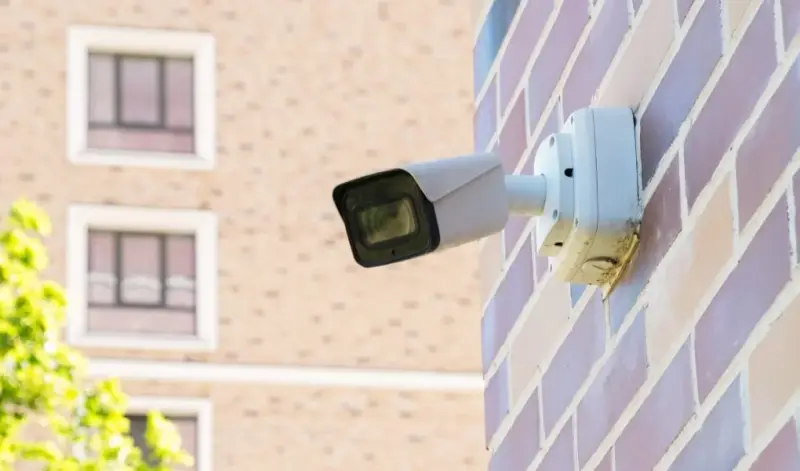
Learn how to choose business security cameras based on coverage, image quality, storage, remote access, installation, and ongoing support.
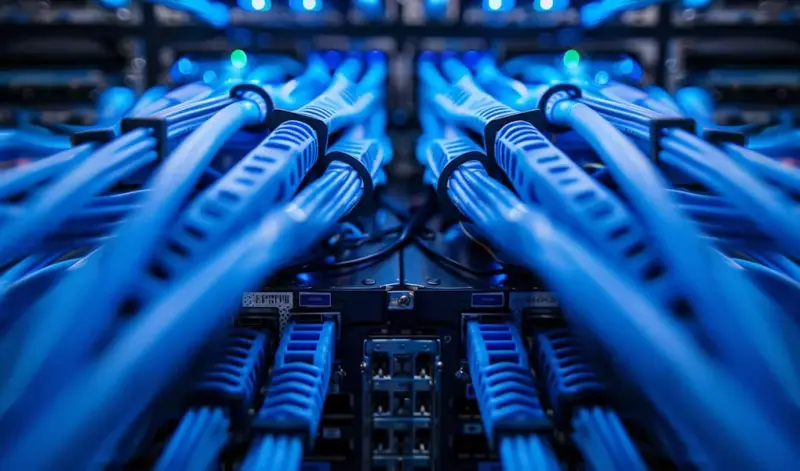
Learn how structured business wiring improves network speed, Wi-Fi, VoIP, cameras, reliability, and future expansion across your office.
Next step
A short call is usually enough for us to understand the problem and tell you honestly how we'd handle it.
Start the Conversation