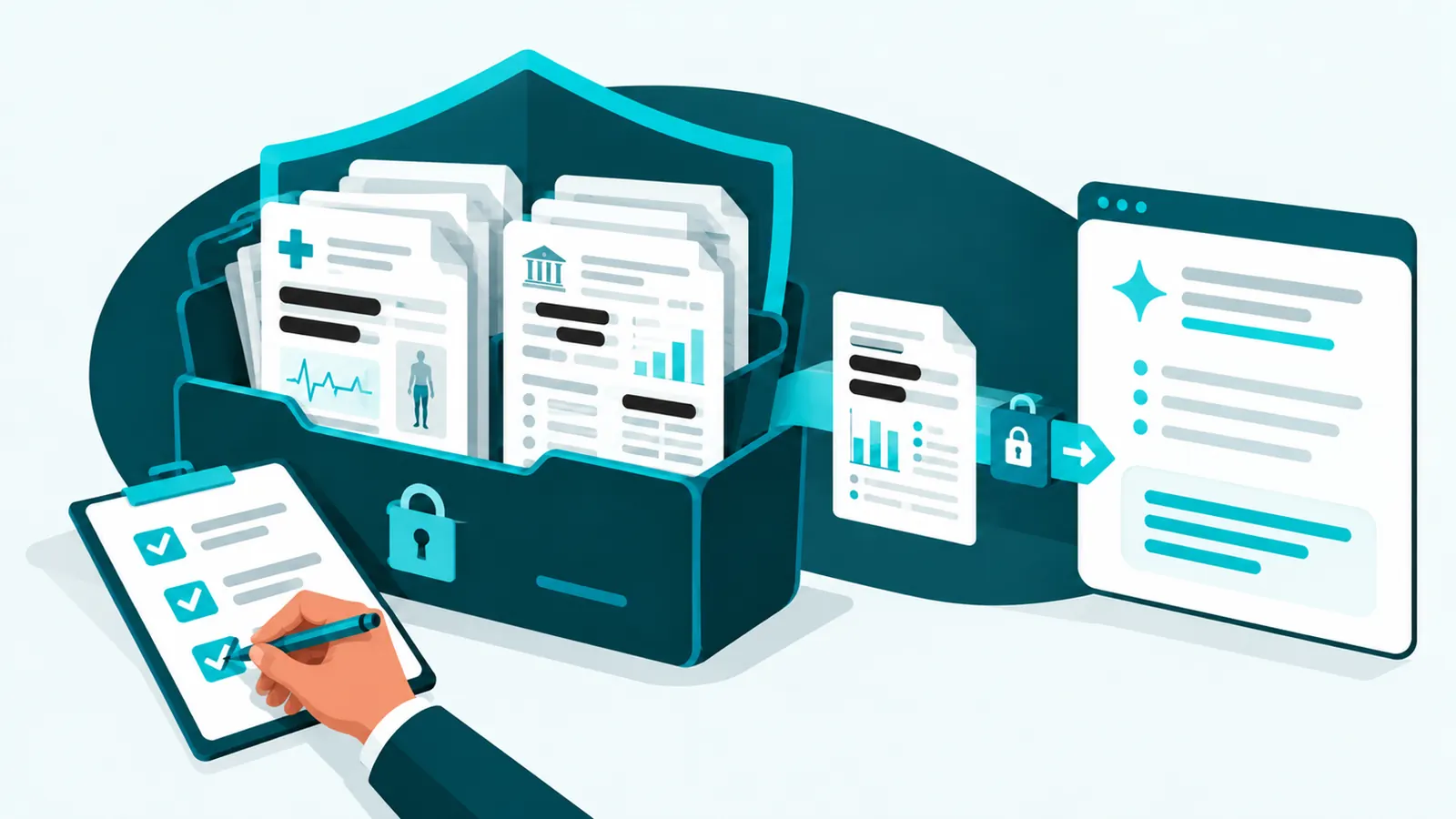
Healthcare and financial businesses can use AI, but only through approved tools on plans built for regulated data. Under HIPAA, any AI vendor that handles patient information needs a signed business associate agreement. Under NYDFS Part 500, AI tools belong in your risk assessment, vendor oversight, access controls, and training like any other system.
The fastest way to break either rule is the most common one: a well-meaning employee pastes patient notes or client account details into a personal chatbot. This guide explains what each framework expects and the practical rules a small or mid-sized practice, firm, or agency can put in place. It is general guidance, not legal advice; confirm specifics with your compliance counsel.
Key takeaways
- Never put protected health information or nonpublic financial information into a personal or free AI account.
- HIPAA requires a business associate agreement with any AI vendor that creates, receives, stores, or transmits patient information for you. Only certain plans qualify.
- NYDFS issued an AI industry letter in October 2024. It adds no new rules, but explains how Part 500 already applies to AI risks.
- Inventory your AI tools, review them like any vendor, limit what data they can reach, and train staff on AI-driven fraud such as deepfake calls.
Can a healthcare practice use AI tools under HIPAA?
Yes, when the tool is set up correctly. If an AI service will handle protected health information on your behalf, the vendor is acting as a business associate, and HIPAA requires a signed business associate agreement (BAA) before any patient data goes in. The usual HIPAA safeguards still apply: share only the minimum necessary information, control who has access, keep audit records, and include the tool in your security risk analysis.
Using a consumer AI account with patient information, with no agreement in place, can be an impermissible disclosure, even if the employee meant well.
Which AI plans come with a HIPAA business associate agreement?
As of October 2026, based on each vendor's published terms:
- Microsoft 365 Copilot: covered by Microsoft's business associate agreement for work accounts under its standard data protection terms. Confirm the services and features covered for your plan.
- OpenAI: offers an agreement for ChatGPT Enterprise and its API, arranged through sales. ChatGPT Business is not covered.
- Anthropic: offers a HIPAA-ready version of Claude Enterprise. Claude Team is not covered.
Two cautions. A BAA covers only the specific services and features named in it, so check settings such as web search and data retention. And no AI tool is "HIPAA compliant" on its own; compliance depends on how you configure and use it. Run any tool through our AI tool vetting checklist before approving it.
What does NYDFS say about AI?
On October 16, 2024, the New York State Department of Financial Services issued an industry letter, "Cybersecurity Risks Arising from Artificial Intelligence and Strategies to Combat Related Risks." It creates no new requirements. Instead, it explains how covered entities should apply the existing 23 NYCRR Part 500 rules to AI. The letter highlights four risks:
- AI-enabled social engineering, such as deepfake voice and video used to trick staff into payments or access changes.
- AI-enhanced attacks that find and exploit weaknesses faster.
- Exposure of nonpublic information that is collected or processed for AI.
- Dependence on third parties that provide or use AI.
It points to controls Part 500 already requires: risk assessments that cover AI, diligence on vendors and how they use AI, strong access controls, training that includes deepfakes, monitoring, and data management. It encourages authentication that deepfakes cannot easily imitate, such as physical security keys, over methods like voice or video confirmation.
Part 500's later requirements also matter here. Multi-factor authentication for all users and a maintained asset inventory are now in effect, and AI tools and the accounts they use belong in that inventory.
Practical rules for using AI in a regulated office
- Classify your data. Spell out what counts as patient information or nonpublic financial information in your business, with examples staff recognize.
- Approve tools by data type. General drafting tools for non-sensitive work; only BAA-covered or contractually approved tools for regulated data.
- Ban personal accounts for work. Company sign-in with multi-factor authentication only.
- Minimize and de-identify. Remove names, account numbers, and identifiers when the task does not need them.
- Limit what AI can reach. Tools that connect to email or files get only the folders and mailboxes they need. Our AI agents guide covers permissions and approvals.
- Watch AI note-takers. A recorder on a patient or client call is handling regulated data; it needs the same approval and agreements.
- Log and review. Keep audit logs where the tool provides them, and review access regularly.
- Train for AI fraud. Teach staff to verify payment, bank-detail, and access requests through a known channel, whatever the caller sounds or looks like. See our voice cloning guide.
- Write it down. Add AI to your policies, risk analysis, vendor list, and incident plan. Start from our AI acceptable use policy template.
Where to start this month
- Find the AI tools already in use, including personal accounts and note-takers. Our shadow AI guide shows where to look.
- Pick one approved tool on a plan that fits your data, and move staff onto it.
- Update your HIPAA risk analysis or Part 500 risk assessment to include AI.
- Run a short staff session on what stays out of AI and how to verify urgent requests.
How Spot On Tech can help
We have supported healthcare organizations through HIPAA and New York State incident response, including a 120-user facility recovering from ransomware. Our AI governance service helps New York and New Jersey practices, financial firms, and agencies choose compliant AI tools, write the rules, update risk assessments, and train staff. Our AI implementation team then sets the tools up safely. See also our guides to healthcare IT and HIPAA and financial services IT compliance.
Frequently asked questions
Is ChatGPT HIPAA compliant?
Not on its own. OpenAI offers a business associate agreement only for ChatGPT Enterprise and its API, arranged through sales. Free, Plus, and Business accounts should not be used with patient information.
Can we use Microsoft 365 Copilot with patient information?
Microsoft covers Microsoft 365 Copilot under its business associate agreement for work accounts. You still need to confirm the covered features for your plan, fix file permissions, and include Copilot in your risk analysis.
Does NYDFS have rules for artificial intelligence?
NYDFS issued an industry letter on AI in October 2024. It adds no new requirements but explains how existing Part 500 rules, such as risk assessments, vendor oversight, access controls, and training, apply to AI risks.
Do AI meeting note-takers need a business associate agreement?
Yes, if they record or transcribe conversations that include patient information. Treat them like any other vendor that handles protected health information.
Can staff use AI for anything in a medical or financial office?
Yes. Approved tools can help with general drafting, research, and internal documents that contain no regulated data. The rules matter most when patient or client information is involved.